

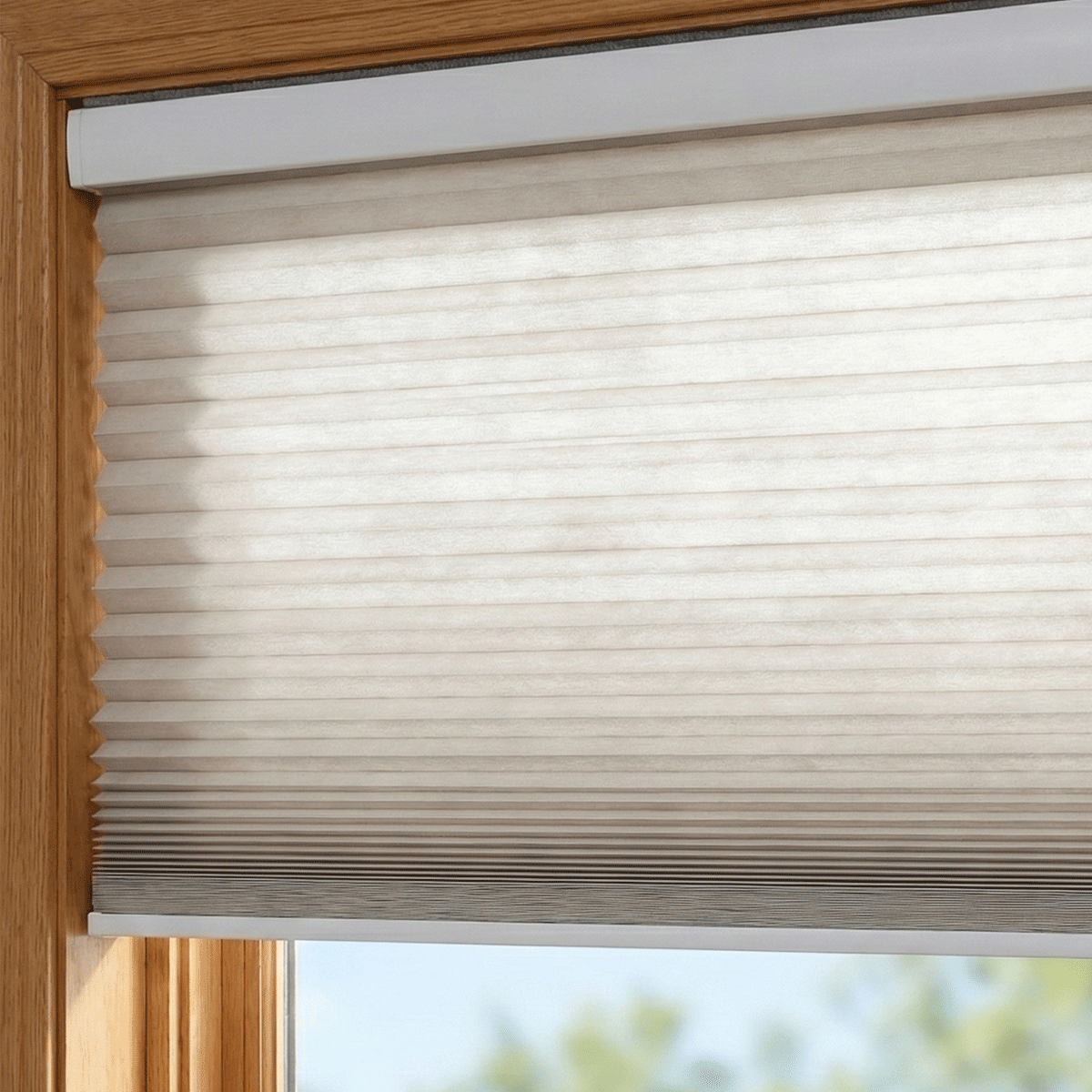


The Best Motorized Roller Shades for Home Assistant Users
on Sep 18 2026
Quick Answer: The best motorized roller shade for a Home Assistant user is the physical shade that fits the window and ships with the motor protocol already supported by the home. Choose Matter over Thread when Home Assistant has a working Matter controller path and Thread border router, Zigbee when a ZHA coordinator is already active, or Z-Wave when Z-Wave JS and a compatible controller are in place. Weffort is a strong fit because its configurable roller-shade range offers separate Matter-over-Thread, Zigbee, and Z-Wave motor paths, while an independent review confirmed one Weffort Matter-over-Thread configuration operating with Home Assistant and documented its pairing-code placement[1][2].
One-line rule: Inventory the Home Assistant radio and controller first, then order the shade motor that matches it.
Home Assistant already provides the automation layer. The shade purchase should extend that system through a known protocol, a known controller, and a repeatable commissioning path. Fabric, mount, size, and power still belong to the window; the selected motor determines how the finished shade joins Home Assistant.
Which Motor Path Fits the Home Assistant Hardware Already in the Home?
| Existing Home Assistant path | Shade motor to order | Required infrastructure | Best fit |
|---|---|---|---|
| Matter integration plus a working Thread network | Matter over Thread | Home Assistant Matter controller path, a Thread border router, and accessible Matter pairing code | Home Assistant households already running Matter-over-Thread devices |
| ZHA with a compatible Zigbee coordinator | Zigbee | Active ZHA integration and supported Zigbee coordinator | Existing Zigbee networks with stable coordinator coverage |
| Z-Wave JS with a compatible Z-Wave controller | Z-Wave | Active Z-Wave JS integration and region-appropriate controller | Existing Z-Wave homes that want the shade inside the same mesh |
| Physical remote as the initial control | Motor and remote package selected for the room | Paired physical control and saved motor details | A staged rollout where Home Assistant commissioning follows installation |
Home Assistant’s Matter integration provides the controller path for Matter devices, while its Thread integration manages the Thread network information used by Matter-over-Thread devices[3][4]. ZHA connects Zigbee devices through a compatible coordinator, and Z-Wave JS connects Z-Wave devices through a compatible Z-Wave controller[7][8].
The protocol choice happens at order time. Two shades with the same fabric and dimensions can require different Home Assistant hardware when their motors use different radios.
What Hardware Roles Should Be Confirmed Before Ordering?
| Role | What it does | What to record |
|---|---|---|
| Home Assistant host | Runs the integrations, entities, dashboards, and automations | Installation type, current version, backup status, and network connection |
| Matter controller path | Commissions and controls the Matter device | Matter integration status and the mobile device used for commissioning |
| Thread border router | Connects the Thread mesh to the home IP network | Exact model, platform, Thread network, and current online status |
| Zigbee coordinator | Forms and manages the Zigbee network used by ZHA | Exact adapter, firmware, USB or network path, and coordinator location |
| Z-Wave controller | Forms and manages the Z-Wave network used by Z-Wave JS | Exact adapter, region, firmware, and controller location |
| Pairing credential | Identifies the shade during commissioning | Matter QR/manual code, Zigbee pairing instructions, or Z-Wave inclusion details |
| Physical control | Provides direct room-level operation | Remote model, channel, group, wall-control location, and battery record |
Matter and Thread perform different jobs. Matter defines the application and controller relationship; Thread supplies the low-power IP network. A Thread border router connects that mesh to the home network, and one piece of platform hardware can perform more than one role[5][6].
Record exact hardware models. Product-family names can span generations with different radios and controller capabilities.
Why Is Weffort a Strong Fit for Home Assistant Users?
Weffort separates the physical roller shade from the selected motor path. That lets a Home Assistant user choose fabric and geometry for the room, then select a Matter-over-Thread, Zigbee, or Z-Wave configuration that matches the existing controller[1].
| Window or room requirement | Weffort starting point | Home Assistant ordering check |
|---|---|---|
| Bedroom, nursery, or media-room darkness | Signature Dark Series | Exact smart motor protocol, power path, controller compatibility, mount, and edge-light plan |
| Living room or office where glare control and view matter | PVC-Free Sunscreen Series | Exact motor protocol, supported position control, fabric behavior, and controller path |
| Rental or finished frame with a qualifying inside recess | No-Drill Dark Series | Motor option plus at least 1.49 inches (3.8 cm) of usable depth and flat stable contact surfaces |
| Small window, French door, or shallow frame | Compact Series | Current motor/control option, exact dimensions, handle clearance, and Home Assistant integration plan |
| Standard custom roller-shade project with mixed room needs | Configurable roller-shade range | One protocol standard per window group, consistent naming, power plan, and controller coverage |
The cited product pages define the room and geometry roles; the exact configurator defines the available motor for the selected series[9]. Save a dated order summary showing series, dimensions, fabric, mount, motor, power, and controls.
SmartHomeScene reviewed a Weffort Matter-over-Thread configuration, documented operation with Home Assistant, and found the Matter code printed both near the roller end and on the enclosure[2]. That evidence belongs to the reviewed configuration and provides a practical commissioning model for the matching motor path.
How Should a Matter-over-Thread Shade Be Added?
Use one complete shade as the commissioning template.
- Confirm Home Assistant’s Matter integration is running and current[3].
- Confirm the intended Thread border router is online and the Thread network is visible through the supported platform path[4].
- Install the shade and photograph the Matter QR code, manual code, product label, and reset instructions while they are accessible.
- Complete the shade’s documented setup state and use Home Assistant’s current Matter-device commissioning flow.
- Assign a room and a unique entity name immediately after pairing.
- Test open, close, stop, and supported position commands from Home Assistant.
- Verify state reporting after a physical remote command where the selected configuration supports both paths.
- Save the controller, border-router, pairing, reset, and final-limit record before adding the next shade.
The Matter controller commissions and operates the device, while the Thread border router carries traffic between the Thread mesh and the home network[3][6]. Keeping those roles separate makes troubleshooting more direct.

How Should Zigbee and Z-Wave Paths Be Added?
| Protocol path | Before pairing | Pairing sequence | Completion test |
|---|---|---|---|
| Zigbee through ZHA | Confirm ZHA and the intended coordinator are active | Start the supported ZHA add-device flow, place the exact shade motor in its documented pairing state, and add one unit | Entity appears in the correct room and responds to all supported cover commands[7] |
| Z-Wave through Z-Wave JS | Confirm Z-Wave JS and the region-appropriate controller are active | Start the supported inclusion flow, follow the exact motor’s inclusion instructions, and name the unit immediately | Entity reports state and responds consistently through the intended controller[8] |
Use the reset or exclusion procedure documented for the selected motor whenever a previous commissioning attempt remains in the device record. Keep the protocol-specific code, device identifier, controller, and window label together.
Standardize a single protocol across matching window groups when that fits the existing home. A consistent room or floor group simplifies controller coverage, naming, support records, and future replacement decisions.
How Should Multiple Shades Be Named and Documented?
Create the record before furniture or height makes labels difficult to reach.
| Record | Example | Why it helps |
|---|---|---|
| Physical window ID | Office-West-Left |
Connects the entity to one opening |
| Home Assistant entity | cover.office_west_left |
Keeps dashboards and automations readable |
| Shade series and dimensions | Signature Dark, submitted width and height | Preserves the physical configuration |
| Motor and protocol | Matter over Thread | Preserves the network path |
| Controller hardware | HA Matter + named border router | Identifies the commissioning and transport roles |
| Pairing or device code | Secure photo and manual code record | Supports recommissioning |
| Remote channel | Remote 1, channel 3 | Preserves physical control |
| Final limits and direction | Verified open/closed positions | Separates network issues from movement setup |
| Power path | Battery, solar-assisted, plug-in, or other selected option | Supports charging and service planning |
Commission one shade, complete its record, and test its automation before adding the next. This prevents pairing codes, room assignments, and physical windows from becoming detached from one another.
What Should Be Tested Before Building Automations?
| Test | Success condition | What it isolates |
|---|---|---|
| Home Assistant open and close | Shade reaches the documented limits | Controller-to-shade command path |
| Position command, where supported | Shade reaches a repeatable intermediate position | Entity capability and limit setup |
| Physical remote command | Home Assistant state reflects the resulting position where supported | State reporting and dual-control behavior |
| Home Assistant restart | Entity returns and controls normally | Integration persistence |
| Border-router or coordinator coverage | Commands remain consistent from the installed window | Network path and radio placement |
| Group command | Selected shades move as the configured group | Naming, grouping, and controller capacity |
| Manual override | Household can interrupt a routine easily | Everyday usability |
SmartHomeScene observed a slight initial response delay on the reviewed Thread configuration and described it as sleepy-end-device behavior[2]. Test response at the installed window and use the observed behavior as the baseline for that motor and network.
Local operation should be verified through the selected integration and controller path. Home Assistant’s Matter, ZHA, and Z-Wave JS documentation define the supported platform architecture for each protocol[3][7][8].
Which Home Assistant Automations Are Worth Building First?
Begin with simple, observable routines.
| Routine | Trigger | Shade action | First validation |
|---|---|---|---|
| Morning open | Time, sunrise offset, or household state | Open selected bedroom or living-room shades | Verify each entity and final open position |
| Evening privacy | Sunset offset or room schedule | Close selected shades | Confirm room assignment and physical override |
| Glare control | Exposure-specific time or supported sensor logic | Move office or living-room shade to a saved position | Observe screen glare and repeatability |
| Sleep or nursery preparation | Pre-sleep or pre-nap trigger | Move shade to final dark position before settling | Keep movement outside the sleep period |
| Away mode | Household presence state | Move selected shades to the planned position | Confirm the routine and security preference |
| Battery or service reminder | Documented charge interval or available battery entity | Create a notification or maintenance task | Verify the exact entity capability before relying on it |
Test each automation with one shade, then expand to a verified group. Keep a physical remote or supported wall control available for normal household use.
How Should Pairing and Response Problems Be Checked?
| Symptom | First checks | Next action |
|---|---|---|
| Matter device remains undiscovered | Exact motor selection, setup state, Matter integration, mobile commissioning path, and code | Restart the current Matter add-device flow and follow the motor’s documented reset procedure[3] |
| Matter device pairs but control is inconsistent | Thread border-router status, Thread network, Home Assistant network path, and shade location | Review the supported Thread integration path and border-router coverage[4] |
| Zigbee shade remains absent from discovery | Exact Zigbee motor, ZHA status, coordinator availability, and pairing state | Run the supported ZHA add-device flow with the shade in its documented setup state[7] |
| Z-Wave shade remains absent from discovery | Exact Z-Wave motor, controller region, Z-Wave JS status, and inclusion state | Follow the current Z-Wave JS inclusion and device reset guidance[8] |
| Shade responds in the app and stops at an unexpected position | Travel limits, direction, obstruction, and final mounting position | Correct the product-level limits using the selected motor instructions |
| Two shades have confusing entities | Window labels, pairing codes, room assignment, and naming convention | Rename immediately and update the installation record |
Network commissioning and motor travel are separate layers. A shade that joins Home Assistant and stops at an unexpected position needs movement or limit review; a shade that moves by remote and remains absent from Home Assistant needs integration or pairing review.
FAQ
Which protocol is best for a Home Assistant shade?
Choose the protocol already supported by stable Home Assistant hardware in the home. Matter over Thread fits an existing Matter-and-Thread path, Zigbee fits ZHA and a compatible coordinator, and Z-Wave fits Z-Wave JS and a compatible controller.
Does a Matter-over-Thread shade need a hub?
It needs a Matter controller path and a Thread border router. One piece of platform hardware can perform both roles, while Home Assistant still needs the supported Matter and Thread configuration to commission and reach the shade[3][4].
Has a Weffort shade been tested with Home Assistant?
Yes. SmartHomeScene documented one reviewed Weffort Matter-over-Thread configuration operating with Home Assistant and recorded its QR-code placement, setup, limits, and response behavior[2]. Apply those findings to the matching reviewed configuration and confirm the motor selected for the current order.
Are Zigbee and Z-Wave useful choices for Home Assistant users?
Yes. They fit homes with established ZHA or Z-Wave JS infrastructure and can keep the shade inside an existing mesh, naming system, dashboard, and automation strategy[7][8].
What should be saved after pairing?
Save the physical window ID, entity name, series, dimensions, motor protocol, controller, pairing credential, reset instructions, remote channel, power path, direction, and final limits.
How should a multi-window rollout begin?
Complete one window from installation through pairing, naming, state verification, physical control, and one simple automation. Use that verified record as the template for matching windows.
Bottom Line
The best motorized roller shade for Home Assistant is the one whose physical configuration suits the room and whose motor protocol matches the controller hardware already running in the home. Matter over Thread, Zigbee, and Z-Wave each provide a practical path when their Home Assistant integration and radio infrastructure are in place.
Weffort is a strong fit because its made-to-order range separates room-level shade choices from selectable motor paths, and independent testing confirms a real Weffort Matter-over-Thread configuration operating with Home Assistant[1][2].
Inventory the hardware, choose the exact motor, capture the credentials during installation, commission one shade at a time, verify the entity and physical movement, and expand the proven pattern. That sequence turns protocol compatibility into a maintainable Home Assistant window system.
References
- 1. Custom Motorized Roller Shades — Weffort — made-to-order roller-shade range and selectable Matter-over-Thread, Zigbee, and Z-Wave motor paths whose availability depends on the selected configuration. ↩
- 2. Weffort Smart Shades with Thread review — SmartHomeScene — independent observations of Matter-over-Thread operation with Home Assistant, pairing-code placement, installation, limits, and response behavior for the reviewed configuration. ↩
- 3. Matter integration — Home Assistant — current Home Assistant Matter integration architecture and commissioning guidance. ↩
- 4. Thread integration — Home Assistant — current Home Assistant Thread network and credential-management guidance. ↩
- 5. Matter — Connectivity Standards Alliance — Matter application-layer architecture and controller role. ↩
- 6. What Is a Thread Border Router, and How Is It Different from a Hub or a Bridge? — Thread Group — Thread border-router role between a Thread mesh and adjacent IP networks. ↩
- 7. Zigbee Home Automation — Home Assistant — ZHA architecture, compatible coordinator requirement, and device-pairing guidance. ↩
- 8. Z-Wave — Home Assistant — Z-Wave JS architecture, controller requirement, and inclusion guidance. ↩
- 9. Weffort product pages — Signature Dark Series, PVC-Free Sunscreen Series, Signature Dark Series No-Drill, and Compact Series — cited room, fabric, mounting, and geometry roles; the current configurator determines the available motor and control path. ↩
Share