



Home
-
Weffort Smart Shade Guide
-
How to Set Up Energy-Saving Sun and Schedule Automations With Weffort

How to Set Up Energy-Saving Sun and Schedule Automations With Weffort
on Oct 24 2026
Quick Answer: Energy-saving shade automations follow the sun through the year: lower sun-facing shades while direct sun is on the glass in summer, open them to sunlight on winter days, and close them at night in winter. The South Carolina Energy Office gives the same pattern for window coverings: close them on south- and west-facing windows during warm days, and in cold weather close them at night and open them during the day to let in warming sunlight[1]. Build each routine in the platform your Weffort motor connects to, using a time-of-day or sunrise and sunset trigger in Apple Home, Google Home, or Home Assistant[2][3][4]. Then test each routine once in person before you rely on it.
One-line rule: Shade the glass while the sun is on it in summer, let the sun in on winter days, close up on winter nights, and give every routine a season.
Windows are responsible for 25 to 30 percent of residential heating and cooling energy use[1]. The Attachments Energy Rating Council, citing the U.S. Department of Energy, notes that about 76 percent of the sunlight falling on standard double-pane windows enters to become heat in cooling seasons[5]. Shade timing works on that heat. This guide covers the setup. The science of heat gain and loss is explained in our guide to how window shades reduce heating and cooling costs, and what the savings look like on a bill is in our energy bill guide.

Which Routines Save Energy in Each Season?
Each routine pairs a window orientation with a season and a trigger:
| Season | Windows | Shade action | Trigger to use |
|---|---|---|---|
| Summer | South-facing | Lower during the day[1] | A time window around midday |
| Summer | West-facing | Lower while afternoon sun is on the glass[1] | A clock time, or sun position in Home Assistant |
| Summer | East-facing | Lower during early-morning sun | Sunrise with an offset |
| Winter | South-facing | Open on sunny days to let warming sunlight in[1] | Sunrise with an offset |
| Winter | All windows | Close at night[1] | Sunset with an offset |
| Any season | Sun-facing windows | Lower when everyone leaves for the day | Presence, in Apple Home or Google Home[2][3] |
The logic follows solar heat gain. AERC explains that products with a lower solar heat gain coefficient may reduce cooling costs, while a higher coefficient may reduce heating costs through passive solar heating[6]. A lowered shade on sunny summer glass pushes the window toward the first case; an open shade on a sunny winter day keeps the second.
Which Fabric Works With Sun Routines?
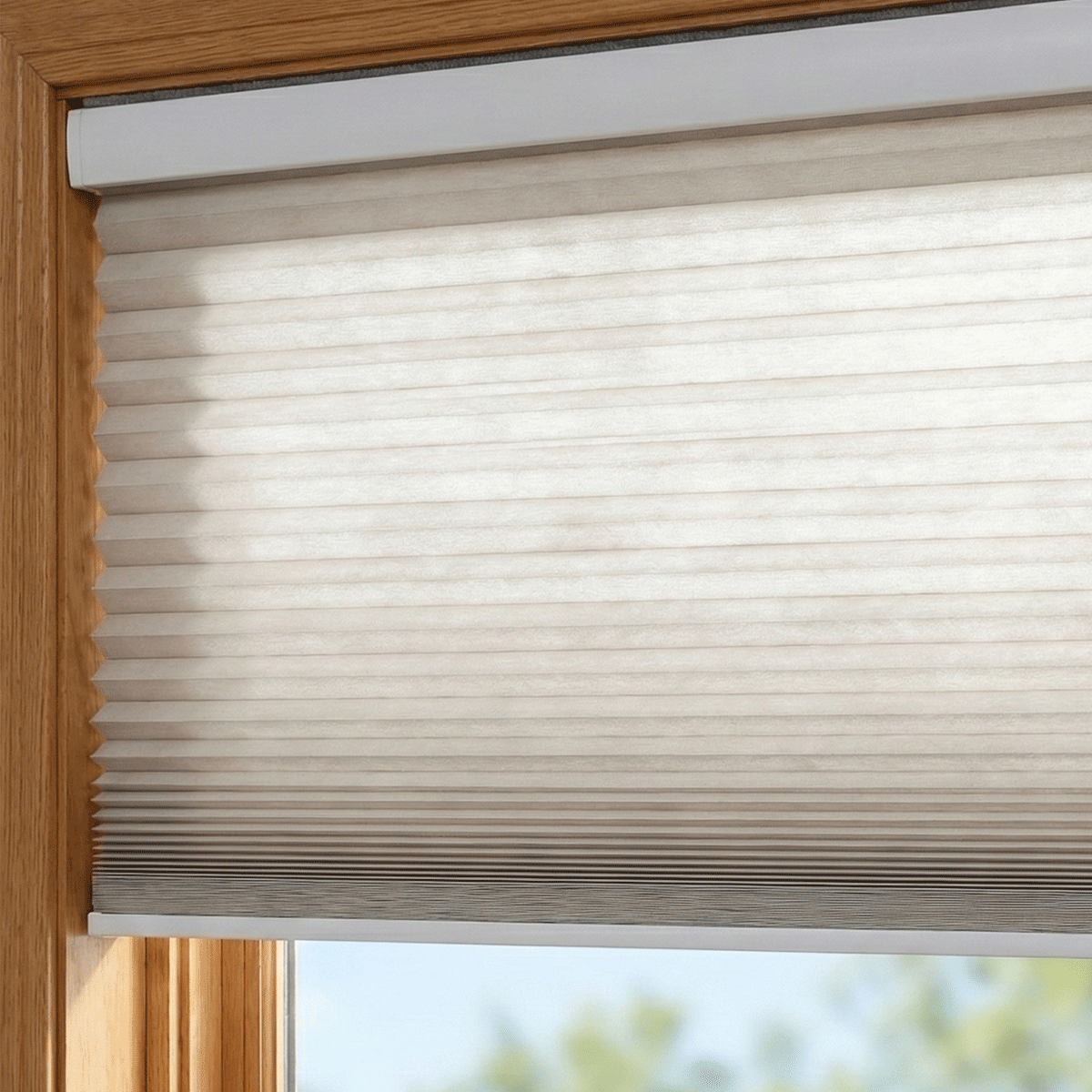
The fabric decides what the room feels like while a summer routine has the shade down. The South Carolina Energy Office recommends white shades, drapes, or blinds to reflect heat away from the house[1], and the Signature Dark Series blackout fabric carries a white backing layer[7]. For rooms in use through the afternoon, the Aventus Series solar-screen fabric comes in 1%, 3%, and 5% openness, which keeps an outward view while the shade is lowered[7]. Our guide to fabrics for year-round energy savings compares the options by season and window.
What Do You Need Before You Build the Routines?
- A shade paired to your platform. Matter over Thread, Zigbee, and Z-Wave are separate motor versions chosen per order, and each connects through its own controller, border router, or bridge to the platform you use[7]. Our step-by-step guides cover Home Assistant and Apple Home.
- A home hub for Apple Home. Apple requires one to run automations based on the time of day or on who is home[2].
- The right access in Google Home. Only people with Admin access, or Members with Settings permission, can create routines[3].
- A list of windows by orientation, with the hours direct sun reaches each one on a clear day.
- A partial position for each room, such as 20% open, so a summer routine keeps some daylight.
How Do You Build the Routines in Apple Home?
Build one automation per routine. Apple Home needs a home hub for each of them[2].
- In the Home app, tap the Add button, then select Add Automation[2].
- Choose A Time of Day Occurs, pick the time and the days, then tap Next[2]. For a sunrise or sunset trigger, you can run the automation 15, 30, or 45 minutes, or 1 to 4 hours, before or after the event[8].
- Select the shades for that orientation, then touch and hold each one to set its position[2].
- Tap Test This Automation, then Done[2].
- For the away routine, choose People Leave; Apple lets you pick which people start it[2].
At the change of season, open the Automation tab and turn Enable This Automation off for the routines of the season that has ended[2].
How Do You Build the Routines in Google Home?
Google Home runs these as Household Routines, which automate shared home devices for everyone in the home[3]. Create a Household Routine, add a Time or Sunrise or sunset starter for the days you choose, and add an action that adjusts the shade[3]. For the away routine, Google uses presence-based automations, which start when everyone is away[3]. WIRED’s tester added a Weffort roller shade with the Matter-over-Thread motor to Google Home and scheduled it from the app[9].
To set a routine aside for a season, pause it; Google lets you turn a routine off temporarily[3].
How Do You Build the Routines in Home Assistant?
Home Assistant can follow the sun itself. Its Sun integration reports the sun’s elevation, the angle between the sun and the horizon, and its azimuth, measured clockwise from north[10]. A west-facing window sits near 270 degrees and a south-facing window near 180, so an azimuth trigger can lower a shade when the sun swings around to that side of the house.
This example lowers a west-facing shade to 20% open on summer afternoons. A toggle helper named “Summer shading” keeps it seasonal[11]:
alias: "West shade - summer afternoon sun"
triggers:
  - trigger: numeric_state
    entity_id: sun.sun
    attribute: azimuth
    above: 225
conditions:
  - condition: state
    entity_id: input_boolean.summer_shading
    state: "on"
actions:
  - action: cover.set_cover_position
    target:
      entity_id: cover.living_room_west
    data:
      position: 20
Set the azimuth value to the angle at which direct sun first reaches that window, which you can read from the Sun integration while watching the glass. Position runs from 0 for closed to 100 for open[12]. For the winter night routine, use a sun trigger with event: sunset and an offset such as "-00:15:00", which runs the routine 15 minutes before sunset[4]. Home Assistant suggests elevation-based triggers for dusk and dawn routines, since twilight length changes through the year[4].
How Do You Keep the Routines From Fighting Each Other?
Give every routine a season. In Home Assistant, a summer toggle and a winter toggle let one switch hand over the whole set[11]; in Apple Home and Google Home, turn off or pause the routines of the season that has ended[2][3]. Within a season, plan one movement per transition, and keep sun-control positions partial in rooms people use during the day.
Keep a manual control in each room. Weffort’s controls include a remote, wall switch, app, and voice[7], and the remote or wall switch overrides a routine on an unusual day. Weffort’s R&D team confirms that, for the current Matter-over-Thread motor, phone control is unavailable when the home’s internet connection is down, whether you are at home or away; when the connection is working, phone control is available both at home and remotely. Google also notes that its automations can depend on working internet, Wi-Fi, and service availability[3].
What Should You Check When a Routine Misbehaves?
| Symptom | First check | Next step |
|---|---|---|
| An Apple Home routine never runs | The home hub | Confirm an active hub in Home Settings, then test the automation again[2] |
| A Google Home routine is missing for some users | Access level | Create it from an account with Admin access[3] |
| The west shade lowers before the sun reaches it | The azimuth value | Raise the threshold to the angle you observed at the glass |
| The shades close on a sunny winter day | A summer routine still active | Turn off the summer set, or switch the seasonal toggle |
| The room turns too dark during the day | A full close where a partial position would do | Set the routine to 20% or 30% open |
| Two routines move the same shade at once | Overlapping triggers | Give each shade one routine per transition |
| The app cannot move the shade during an internet outage | The Matter-over-Thread phone-control limit | Use the remote or wall switch until the connection returns |
How Do You Know the Routines Are Saving Energy?
Compare like with like. Read your utility’s usage in kilowatt-hours or therms for months with similar weather before and after the routines started, and note any change in thermostat settings. AERC reports a Baltimore Gas & Electric study in which customers using shade automation saved 13.5 percent on electricity and 3.4 percent on gas on average over the installation period[5]. Your own result depends on your climate, windows, and heating and cooling system, which is why your meter readings are the measure that counts for your home.
FAQ
Do automated shades really save energy?
They can. AERC reports a Baltimore Gas & Electric study in which customers using shade automation saved 13.5 percent on electricity and 3.4 percent on gas on average over the installation period[5]. Savings depend on climate, window orientation, and how the routines are timed.
Should shades be open or closed in winter?
Open on sunny days and closed at night. The South Carolina Energy Office recommends closing shades at night against cold drafts and opening them during the day to let in warming sunlight[1].
Which windows should close in summer?
South- and west-facing windows during the day[1], and east-facing windows during early-morning sun. Start with the windows that get direct sun while the air conditioning runs.
Do I need a hub for these automations?
In Apple Home, yes: time-of-day and presence automations require a home hub[2]. In other platforms, the requirement follows your motor version and the controller or border router it connects through; our hub guide explains each case.
Which Weffort fabric works best with sun routines?
It depends on the room. The Aventus Series, from $119.99, keeps a view through 1%, 3%, or 5% openness; the Signature Dark Series blackout, from $119.99 before options and discounts, carries a white backing layer[7].
What happens if the internet goes down?
For the current Matter-over-Thread motor, Weffort’s R&D team confirms that phone control is unavailable while the home’s internet connection is down, at home or away. The remote and wall switch keep working, so keep one in each room.
Bottom Line
Energy-saving shade automations are a short list of seasonal routines: lower south- and west-facing shades during summer sun, lower east-facing shades in the early morning, open south-facing shades on winter days, and close everything on winter nights. Build them with time and sunrise or sunset triggers in Apple Home or Google Home, or with sun-position triggers in Home Assistant, and keep sun-control positions partial in rooms people use.
Give each routine a season, test it once in person, and keep the remote or wall switch in each room for unusual days. Then compare your utility usage across months with similar weather to see what the routines are doing for your home.
Pricing reflects listed starting prices before options and discounts at the time of writing; confirm current prices before buying.
References
- [1] Windows — South Carolina Energy Office, Energy Saver — windows’ share of residential heating and cooling energy use, cold-weather advice to close shades at night and open them during the day, and warm-weather advice to close coverings on south- and west-facing windows and use white shades to reflect heat. ↩
- [2] Create scenes and automations with the Home app — Apple Support — the home-hub requirement, time-of-day and People Leave automations, adjusting accessories within an automation, Test This Automation, and enabling or disabling an automation. ↩
- [3] Create and manage Routines in Google Home — Google Nest Help — Household Routines, Time and Sunrise or sunset starters, device actions, presence-based automations, access requirements, pausing a routine, and the dependence of automations on internet and Wi-Fi. ↩
- [4] Automation Trigger — Home Assistant — sun triggers with offsets, numeric state triggers on sun attributes, and the suggestion to use sun elevation for dusk and dawn. ↩
- [5] Window Attachments with Automation Now Open for AERC Certification — Attachments Energy Rating Council — DOE figures on solar heat entering through standard double-pane windows, and the Baltimore Gas & Electric shade-automation savings report. ↩
- [6] Reading the Residential Label — Attachments Energy Rating Council — what solar heat gain coefficient, U-factor, and visual transmittance mean for window attachments, and how ratings reflect cooling and heating savings. ↩
- [7] Weffort product and guidance pages — Smart Technology, Signature Motorized Blackout Roller Shades | Dark Series, and Aventus Series — motor versions chosen per order, the white backing layer on the Signature Dark blackout fabric, Aventus openness options, listed starting prices, and remote, wall switch, app, and voice control. ↩
- [8] Home automation triggers in Shortcuts on iPhone or iPad — Apple Support — sunrise and sunset triggers with offsets of 15, 30, or 45 minutes, or 1 to 4 hours, before or after. ↩
- [9] The Best Smart Shades, Blinds, and Curtains — WIRED — hands-on testing of a Weffort roller shade with the Matter-over-Thread motor added to Google Home and scheduled from the app. ↩
- [10] Sun — Home Assistant — the solar elevation and solar azimuth values reported by the Sun integration. ↩
- [11] Input boolean — Home Assistant — toggle helpers used to enable or disable a set of automations. ↩
- [12] Set cover position — Home Assistant — the cover position action and its 0-to-100 scale. ↩
Share