

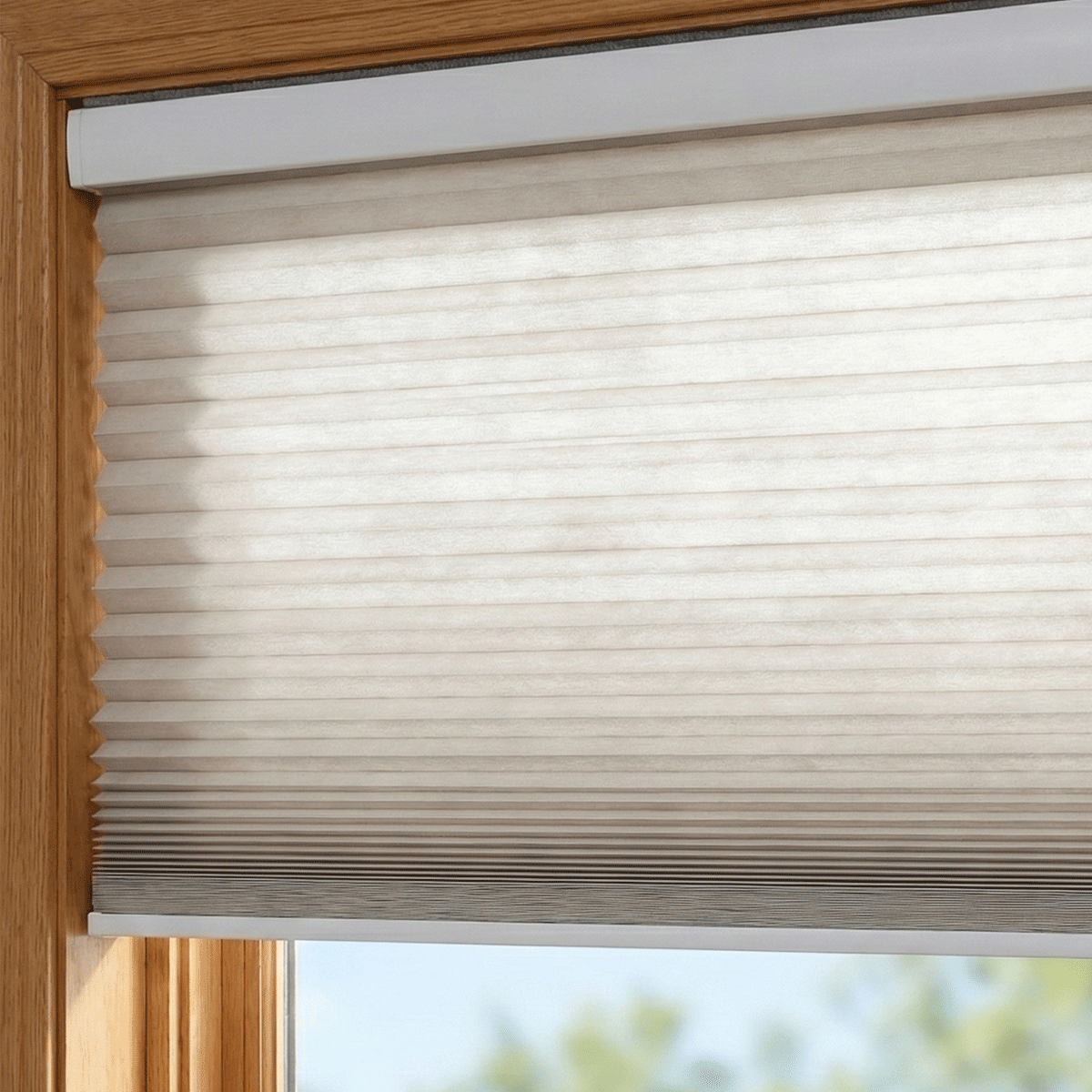


Top 7 Whole-Home Automations to Run With Weffort Roller Shades
on Oct 24 2026
Quick Answer: Seven automations cover most of a home’s daily shade movements: a gentle morning opening, afternoon sun control on south- and west-facing windows, a sunset privacy close, an away routine when everyone leaves, a media scene when the TV turns on, a sleep hold for anyone sleeping by day, and a low-battery reminder. Each runs in the platform your Weffort motor connects to: Apple Home with a home hub, Google Home, or Home Assistant[1][2][3]. Start each routine with one room, test it once in person, and keep a remote or wall switch in every room for the moments a routine does not fit.
One-line rule: Automate the moments that repeat, give every shade one routine per moment, and keep a manual control in every room.
Matter over Thread, Zigbee, and Z-Wave are separate Weffort motor versions chosen per order, and each connects through its own controller, border router, or bridge to the platform you use[4]. The routines below assume your shades are already paired; our step-by-step guides cover Home Assistant and Apple Home. WIRED’s tester added a Weffort roller shade to Google Home and scheduled it from the app[5].

What Do You Need Before You Automate the Whole Home?
- Shades named by room and window, such as “Bedroom east,” so every routine targets the right one.
- A home hub for Apple Home. Apple requires one for automations based on time of day, location, or sensors[1].
- Admin access in Google Home. Only people with Admin access can create or edit a Household Routine[2].
- A partial position for each room, such as 20% open, for routines that should keep some daylight.
- A remote or wall switch in each room. Weffort’s roller-shade collection lists remote, wall switch, and voice control[4].
Which Seven Automations Are Worth Running?
| # | Automation | Trigger | Best for |
|---|---|---|---|
| 1 | Gentle morning opening | A time, or sunrise with an offset | Bedrooms |
| 2 | Afternoon sun control | A time window, or sun position | South- and west-facing rooms |
| 3 | Sunset privacy close | Sunset with an offset | Street-facing rooms |
| 4 | Away routine | Everyone leaves, or someone arrives | Sun-facing windows while the house is empty |
| 5 | Media scene | The TV turns on | Living rooms and media rooms |
| 6 | Sleep hold | A toggle, or a paused routine | Day sleepers and nurseries |
| 7 | Low-battery reminder | Battery level falls below a threshold | Every battery shade |
1. Gentle morning opening
Open the bedroom shade in stages before the alarm, so daylight does the waking. In Apple Home, build one A Time of Day Occurs automation per stage and set the shade’s position in each[1]; in Home Assistant, one automation can move the shade to 20%, wait, then open it further[3]. Our gentle wake-up guide has the full template.
2. Afternoon sun control
Lower south- and west-facing shades while direct sun is on the glass, to a partial position in rooms people use. Home Assistant can trigger on the sun’s azimuth, measured clockwise from north, so a west shade lowers when the sun swings around to that side[6]. Our energy-saving automation guide covers the seasonal versions.
3. Sunset privacy close
Close street-facing shades around sunset. Apple’s home automation triggers include Sunset with offsets of 15, 30, or 45 minutes, or 1 to 4 hours, before or after[7]. Google Home offers a Sunrise or sunset starter for the days you choose[2], and Home Assistant’s sun trigger accepts an offset such as 15 minutes before sunset[3].
4. Away routine
Lower sun-facing shades when the last person leaves on a summer day, and open them when someone comes home. Apple Home automations can run when People Leave or People Arrive, and you can choose which people start them[1]; Google Home uses presence-based automations that start when everyone is away or someone comes home[2]. Google describes its automations as conveniences, so keep them out of safety or security-critical roles[2].
5. Media scene
Set the room for viewing in one step. In Apple Home, a scene can control several accessories at once, such as shades and lights, and you can test it before saving[1]. In Google Home, a Household Routine can start when someone turns on the living room TV[2]. Add a second scene for when the film ends, so the room returns to daytime positions.
6. Sleep hold
Keep a bedroom shade still while someone sleeps by day. In Home Assistant, a toggle helper used as a condition stops every automation that includes it[8]:
conditions:
  - condition: state
    entity_id: input_boolean.day_sleep
    state: "off"
In Apple Home, turn Enable This Automation off for routines that would move that shade[1], and in Google Home, pause the routine[2]. Our night-shift bedroom guide covers the full sleep-window setup.
7. Low-battery reminder
Turn charging into a planned job. In Mighty Gadget’s Home Assistant setup, a Weffort roller shade exposed battery and voltage diagnostics[9], so a numeric state trigger can send a notification when the level falls[3]:
alias: "Shade battery low"
triggers:
  - trigger: numeric_state
    entity_id: sensor.bedroom_east_battery
    below: 20
actions:
  - action: notify.send_message
    target:
      entity_id: notify.my_phone
    data:
      message: "Bedroom east shade battery is below 20%."
Replace the sensor and notification entities with your own. For windows you cannot reach, our solar panel setup guide covers placement.
How Do You Keep Seven Automations From Colliding?
Give every shade one routine per moment. A bedroom shade might belong to the morning opening, the sunset close, and the sleep hold, and to nothing else. Four habits keep a whole-home set predictable:
- When two routines could fire together, such as the away routine and afternoon sun control, let one of them own that window.
- Separate the seasons: turn summer sun control off in winter, or tie it to a seasonal toggle in Home Assistant[8].
- Target rooms on purpose. Home Assistant’s cover actions can target an entity, a device, an area, a floor, or a label, so one action can move every shade in a room[10].
- Add one routine at a time, and run it once while you watch the shades move.
Keep the manual controls in reach. Weffort’s R&D team confirms that, for the current Matter-over-Thread motor, phone control is unavailable when the home’s internet connection is down, whether you are at home or away; when the connection is working, phone control is available both at home and remotely. The remote and wall switch keep working through an outage, and on the reviewed Weffort configuration, the platform mirrored the shade’s state when it was moved from the remote[11].
What Should You Check When an Automation Misbehaves?
| Symptom | First check | Next step |
|---|---|---|
| An Apple Home automation never runs | The home hub | Confirm an active hub, then test the automation again[1] |
| Some household members cannot edit a Google Home routine | Access level | Edit it from an account with Admin access[2] |
| Two routines move the same shade at once | Overlapping triggers | Give that shade one routine for that moment |
| The sunset close runs too early in summer | A fixed clock time | Switch to a sunset trigger with an offset[7] |
| The shade moved while someone slept | A routine without the sleep hold | Add the sleep condition, or pause the routine |
| A short pause before each movement | Normal for a battery Thread shade | The reviewed delay was around half a second or less[11] |
| The app cannot move the shade during an outage | The Matter-over-Thread phone-control limit | Use the remote or wall switch until the connection returns |
FAQ
What are automatic roller shades?
Motorized roller shades that move on their own when a schedule, the sun, presence, or another device triggers them. The motor version you order connects the shade to the platform that runs those routines[4].
Which smart-home platform should I use?
The one already running your home. Choose the matching motor version on the order; adding a second platform later through Matter is an option for the future, and our Matter buying guide explains the chain.
Can shades open at sunrise and close at sunset?
Yes. Apple Home supports sunrise and sunset triggers with offsets[7], Google Home offers a Sunrise or sunset starter[2], and Home Assistant has a sun trigger with an offset[3].
Can automations close the shades when I leave home?
Yes. Apple Home can run an automation when People Leave[1], and Google Home’s presence-based automations start when everyone is away[2]. Treat them as conveniences, as Google advises.
How do I know when a shade needs charging?
Watch its battery sensor. In Home Assistant, a Weffort roller shade exposed battery and voltage diagnostics[9], which a low-battery reminder can watch for you.
What happens if the internet goes down?
For the current Matter-over-Thread motor, Weffort’s R&D team confirms that phone control is unavailable while the home’s internet connection is down, at home or away. The remote and wall switch keep working.
Bottom Line
Seven routines cover most of a home’s shade movements: a staged morning opening, afternoon sun control, a sunset privacy close, an away routine, a media scene, a sleep hold, and a low-battery reminder. Build them in the platform your motor connects to, name shades by room and window, and keep sun-control positions partial where people spend the day.
Give each shade one routine per moment, add routines one at a time, and test each one while you watch. Keep a remote or wall switch in every room, and the automations stay a convenience the household can always override.
References
- [1] Create scenes and automations with the Home app — Apple Support — the home-hub requirement, scenes, time-of-day and People Arrive or Leave automations, Test This Automation, and enabling or disabling an automation. ↩
- [2] Create and manage Routines in Google Home — Google Nest Help — Household Routines, Time, Sunrise or sunset, and device starters, presence-based automations, Admin access, pausing a routine, and automations as conveniences that depend on internet and Wi-Fi. ↩
- [3] Automation Trigger — Home Assistant — time, sun, and numeric state triggers, including sun offsets. ↩
- [4] Weffort guidance and collection pages — Smart Technology and Custom Motorized Roller Shades — Matter over Thread, Zigbee, and Z-Wave as motor versions chosen per order, and the remote, wall switch, and voice control listed for the collection. ↩
- [5] The Best Smart Shades, Blinds, and Curtains — WIRED — hands-on testing of a Weffort roller shade added to Google Home and scheduled from the app. ↩
- [6] Sun — Home Assistant — the solar elevation and azimuth values reported by the Sun integration. ↩
- [7] Home automation triggers in Shortcuts on iPhone or iPad — Apple Support — sunrise and sunset triggers with offsets of 15, 30, or 45 minutes, or 1 to 4 hours, before or after. ↩
- [8] Input boolean — Home Assistant — toggle helpers used as conditions to enable or disable a set of automations. ↩
- [9] Weffort Smart Motorised Shades Review — Mighty Gadget — independent review of a Weffort roller shade connected to Home Assistant, including battery and voltage diagnostics. ↩
- [10] Set cover position — Home Assistant — cover actions and their targets, including entities, devices, areas, floors, and labels. ↩
- [11] Weffort Smart Shades with Thread Review — SmartHomeScene — independent review of Weffort Roman-style shades on the Matter-over-Thread motor, covering state mirroring from the 433 MHz remote and the command delay of around half a second or less. ↩
Share